
%20--%3e%3csvg%20version='1.1'%20id='Layer_1'%20xmlns='http://www.w3.org/2000/svg'%20xmlns:xlink='http://www.w3.org/1999/xlink'%20x='0px'%20y='0px'%20viewBox='0%200%20183.6%2047.5'%20style='enable-background:new%200%200%20183.6%2047.5;'%20xml:space='preserve'%3e%3cstyle%20type='text/css'%3e%20.st0{fill-rule:evenodd;clip-rule:evenodd;fill:%23873EFF;}%20.st1{fill-rule:evenodd;clip-rule:evenodd;}%20.st2{fill:%23873EFF;}%20.st3{fill-rule:evenodd;clip-rule:evenodd;fill:%23FFFFFF;}%20.st4{fill:%23FFFFFF;}%20%3c/style%3e%3cg%3e%3cpath%20class='st0'%20d='M77.4,0c-4.3,0-7.1,1.4-9.6,6.1L56.4,27.6V8.5c0-5.7-2.7-8.5-7.7-8.5s-7.1,1.7-9.6,6.5L28.3,27.6V8.7%20c0-6.1-2.5-8.7-8.6-8.7H7.3C2.6,0,0,2.2,0,6.2s2.5,6.4,7.1,6.4h5.1v24.1c0,6.8,4.6,10.8,11.2,10.8s9.6-2.6,12.9-8.7l7.2-13.5v11.4%20c0,6.7,4.4,10.8,11.1,10.8s9.2-2.3,13-8.7l16.6-28C87.8,4.7,85.3,0,77.3,0C77.3,0,77.3,0,77.4,0z'/%3e%3cpath%20class='st0'%20d='M108.6,0C95,0,84.7,10.1,84.7,23.8s10.4,23.7,23.9,23.7s23.8-10.1,23.9-23.7C132.5,10.1,122.1,0,108.6,0z%20M108.6,32.9c-5.1,0-8.6-3.8-8.6-9.1s3.5-9.2,8.6-9.2s8.6,3.9,8.6,9.2S113.8,32.9,108.6,32.9z'/%3e%3cpath%20class='st0'%20d='M159.7,0c-13.5,0-23.9,10.1-23.9,23.8s10.4,23.7,23.9,23.7s23.9-10.1,23.9-23.7S173.2,0,159.7,0z%20M159.7,32.9%20c-5.2,0-8.5-3.8-8.5-9.1s3.4-9.2,8.5-9.2s8.6,3.9,8.6,9.2S164.9,32.9,159.7,32.9z'/%3e%3c/g%3e%3c/svg%3e)
Connect Shipzobuy with WooCommerce, and ship worldwide
Install the Shipzobuy plugin and connect it to your account. Paid orders sync on their own, you buy labels from the order screen, and your customers can see live carrier prices at checkout.
Labels with



WordPress plugin
WooCommerce orders in, labels out
Set it up once. After that, orders, labels and tracking move between WooCommerce, Shipzobuy and the carrier on their own.
- Install the pluginUpload the Shipzobuy ZIP in Plugins → Add New and activate it.
- Connect your accountIn WooCommerce → Shipzobuy, choose Connect, sign in and approve the store.
- Pick what syncsChoose which order statuses are sent, and whether orders are completed when a label is bought.
- Optional: checkout ratesAdd “Shipzobuy live rates” to a shipping zone to show carrier prices at checkout.
Orders
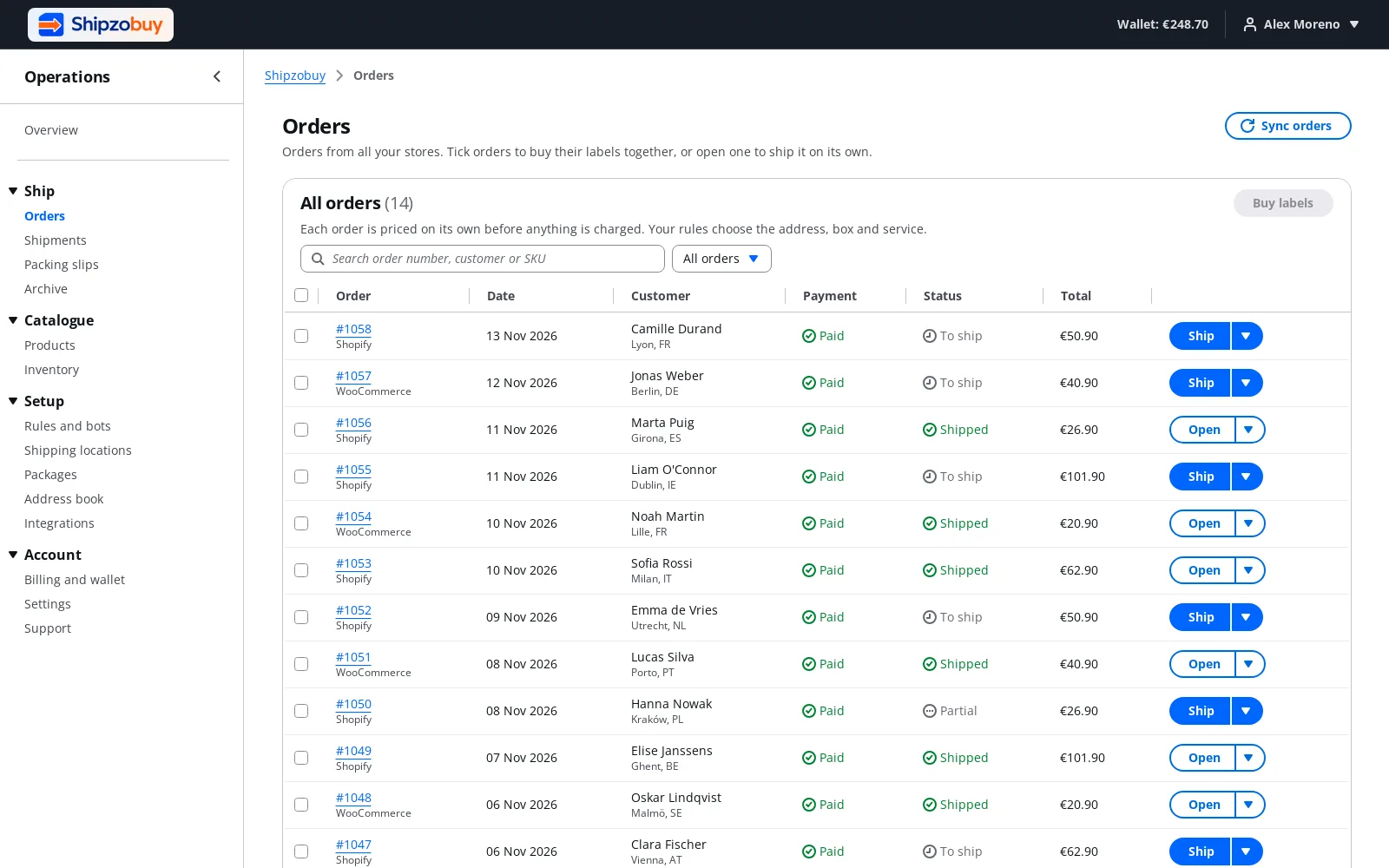
Paid orders arrive as they happen
The plugin sends each order to Shipzobuy when it reaches a status you chose. There is nothing to export and no feed to keep alive.
- Sync only the order statuses you choose
- High-Performance Order Storage and classic tables
- Past orders included when you connect
Labels
Buy the label where you already work
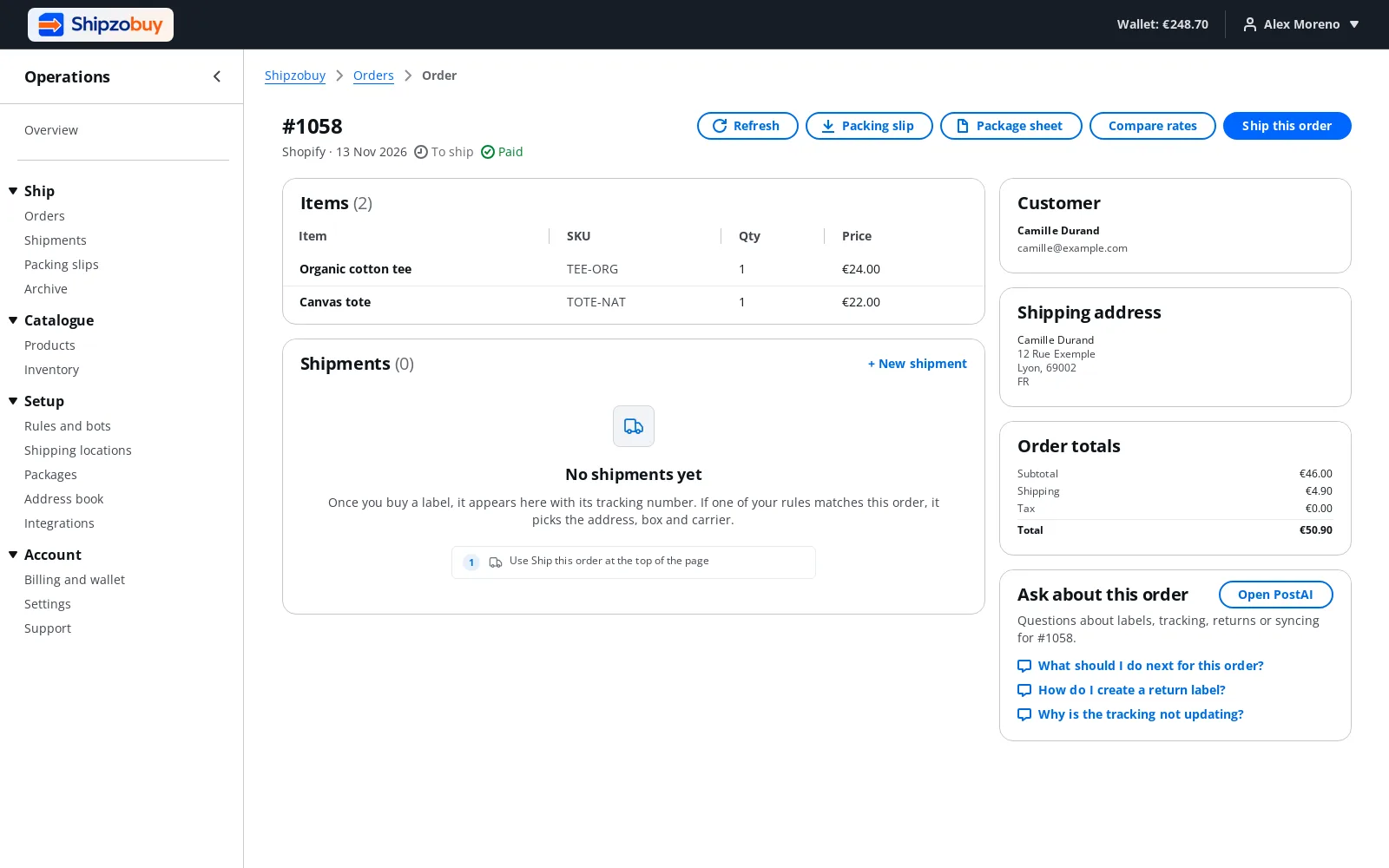
Compare carriers and buy the label from the order screen in wp-admin, or from the Shipzobuy dashboard. Both use the same wallet.
- Labels from the WooCommerce order screen
- Live rates from UPS, FedEx, DHL and USPS
- Optionally complete the order when a label is bought
Tracking
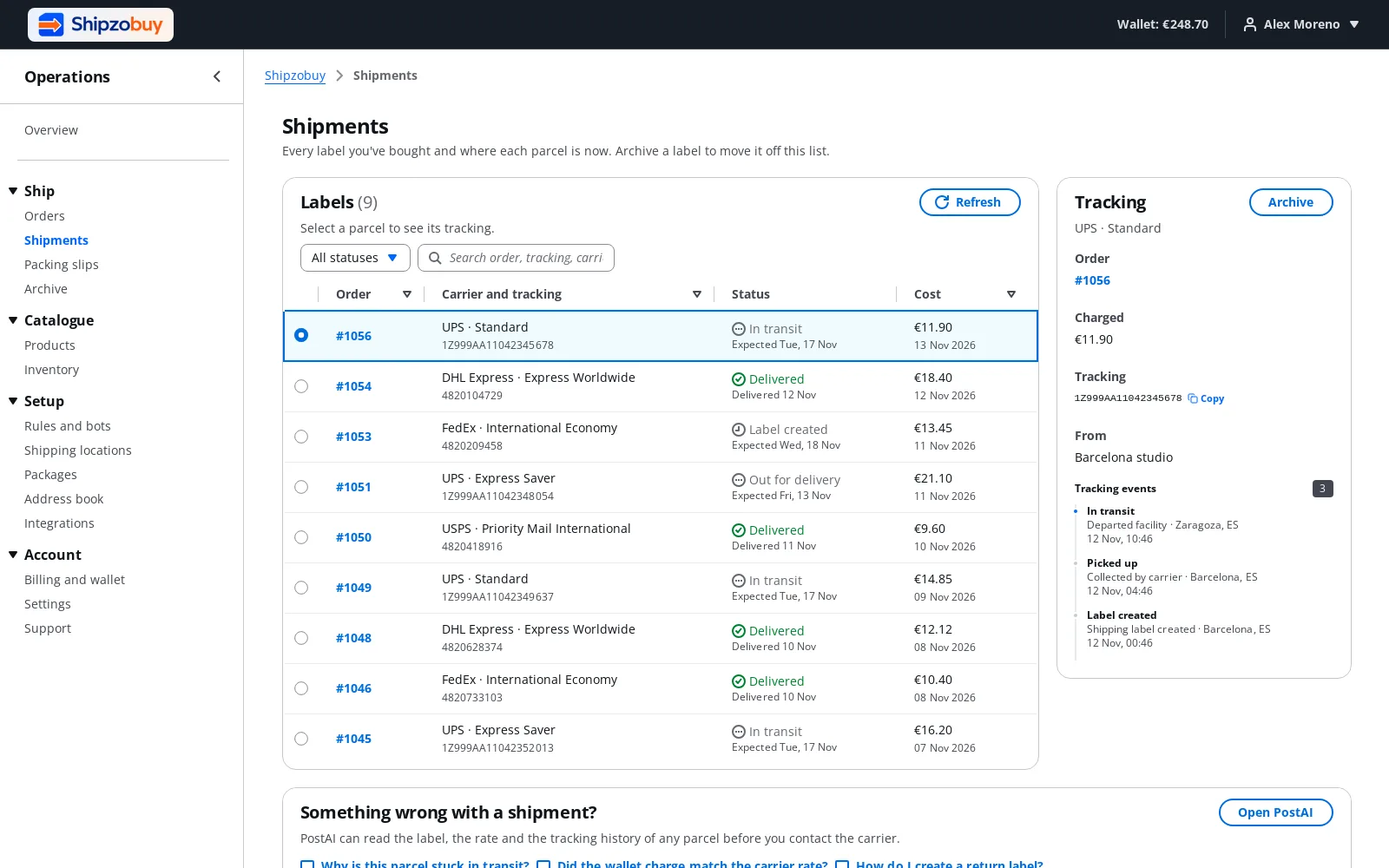
Tracking in the order and in your emails
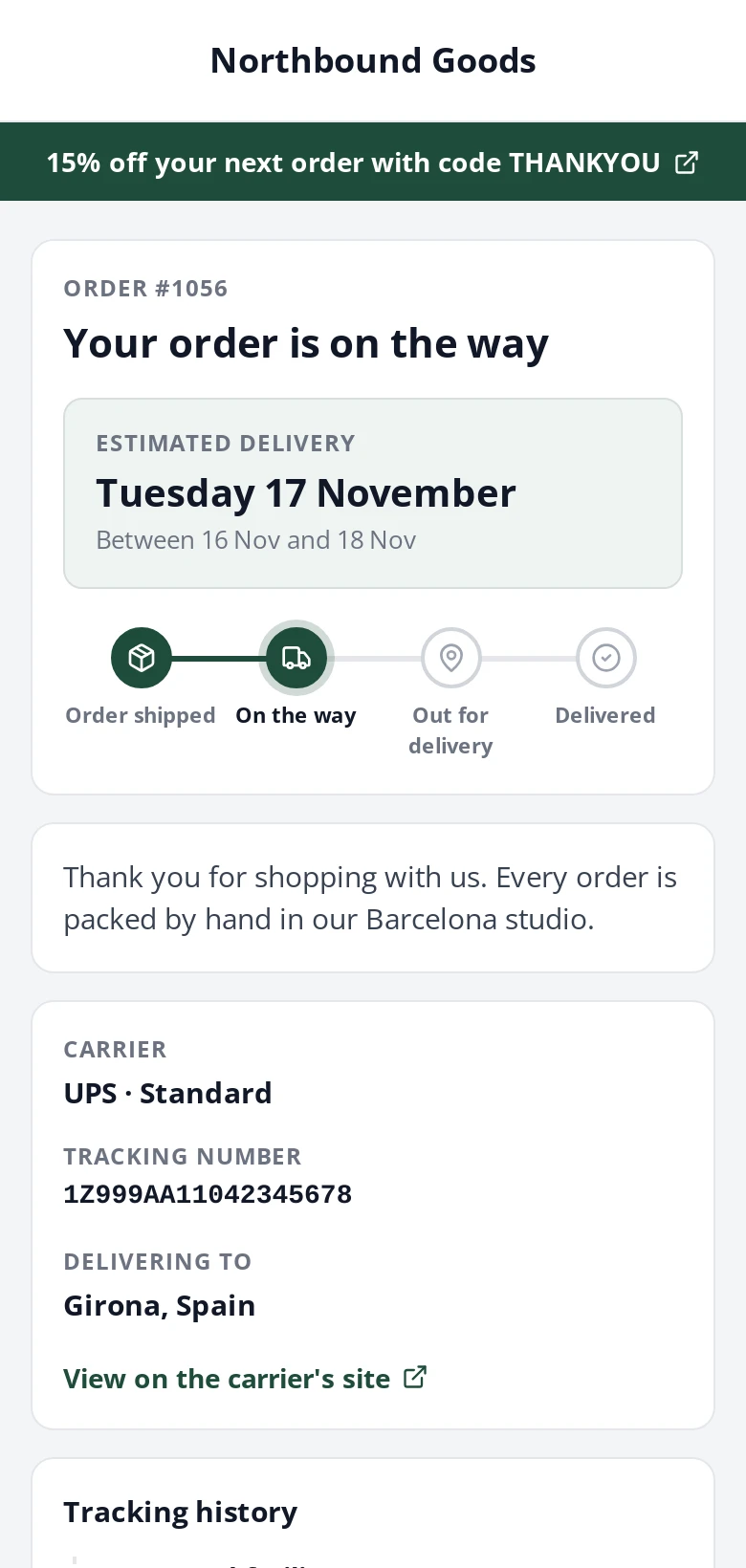
The tracking number is added to the order as a note and shown in the emails WooCommerce sends your customer. On Growth and Pro the link opens your own tracking page.
- Tracking added as an order note
- Shown in customer emails
- Your branded tracking page on Growth and Pro
Made for WooCommerce stores
WooCommerce questions
Do I need my own carrier account?
How do I pay?
Can shoppers see carrier prices at checkout?
Does it work with High-Performance Order Storage?
Selling somewhere else too?



Ship your next WooCommerce order from Shipzobuy.
Create a free account and connect your WooCommerce store. Your orders are there in a few minutes, and no card is needed to sign up.